
Run Forensics
Forensics scans inspect document structure for signals that deserve closer review, including incremental updates, hidden text, metadata discrepancies, and redaction risks.
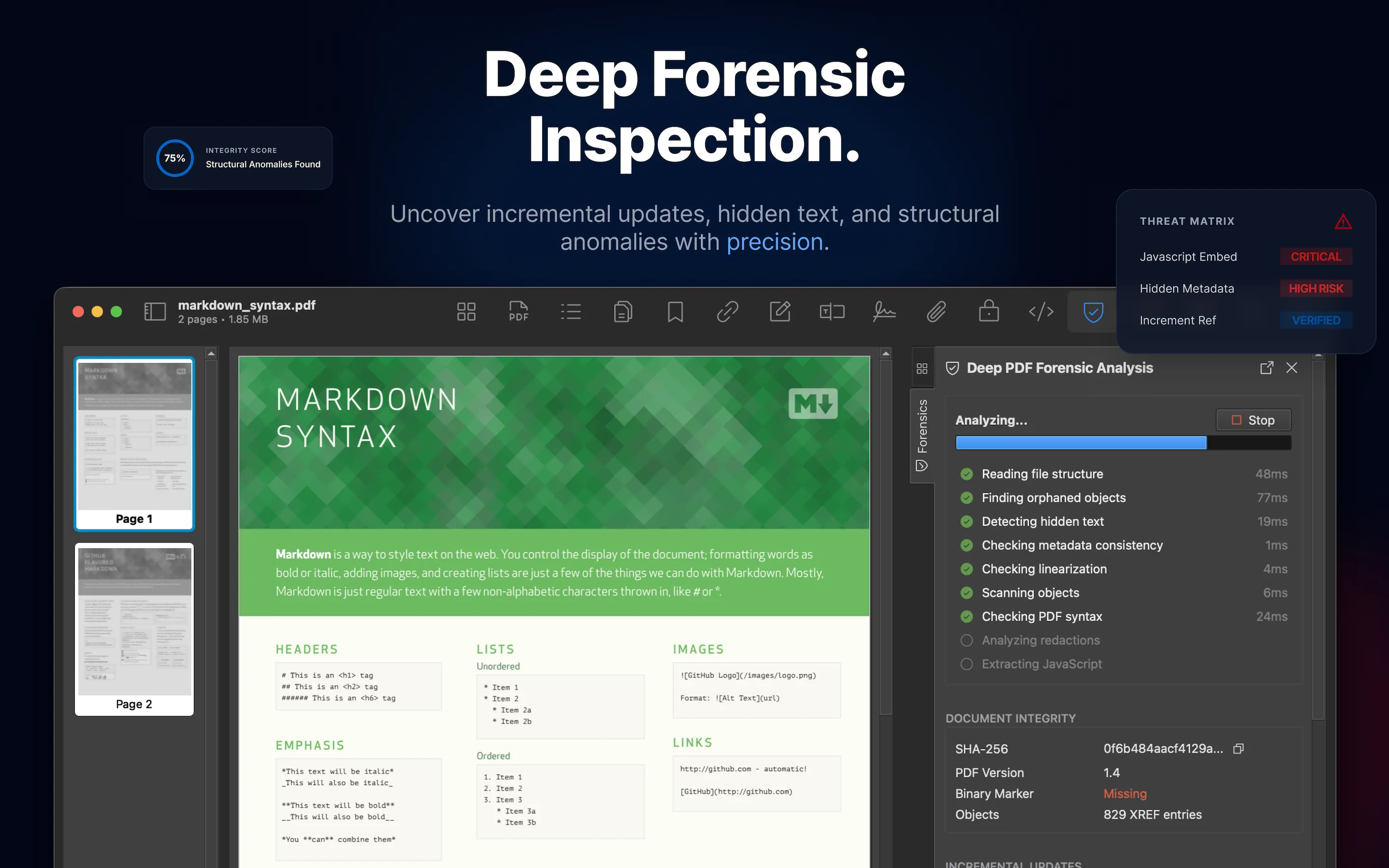
Review steps
- Open the PDF and go to Forensics .
- Review warnings first, then cautions and informational findings.
- Select a finding to inspect its details and page context when available.
- Compare suspicious findings with Metadata , Security , JavaScript , Annotations , and Links .
- Export a report when findings need to be shared with another reviewer.
Good candidates
Run forensics on untrusted attachments, files received from outside your organization, redacted documents, signed documents, files with unexpected viewer behavior, and PDFs that will enter a publishing or archival workflow.
Understand the results
Findings are static-analysis indicators. They do not prove malicious intent and should be verified with the source document and surrounding workflow context.