
Insights (Home) Tab
What it shows
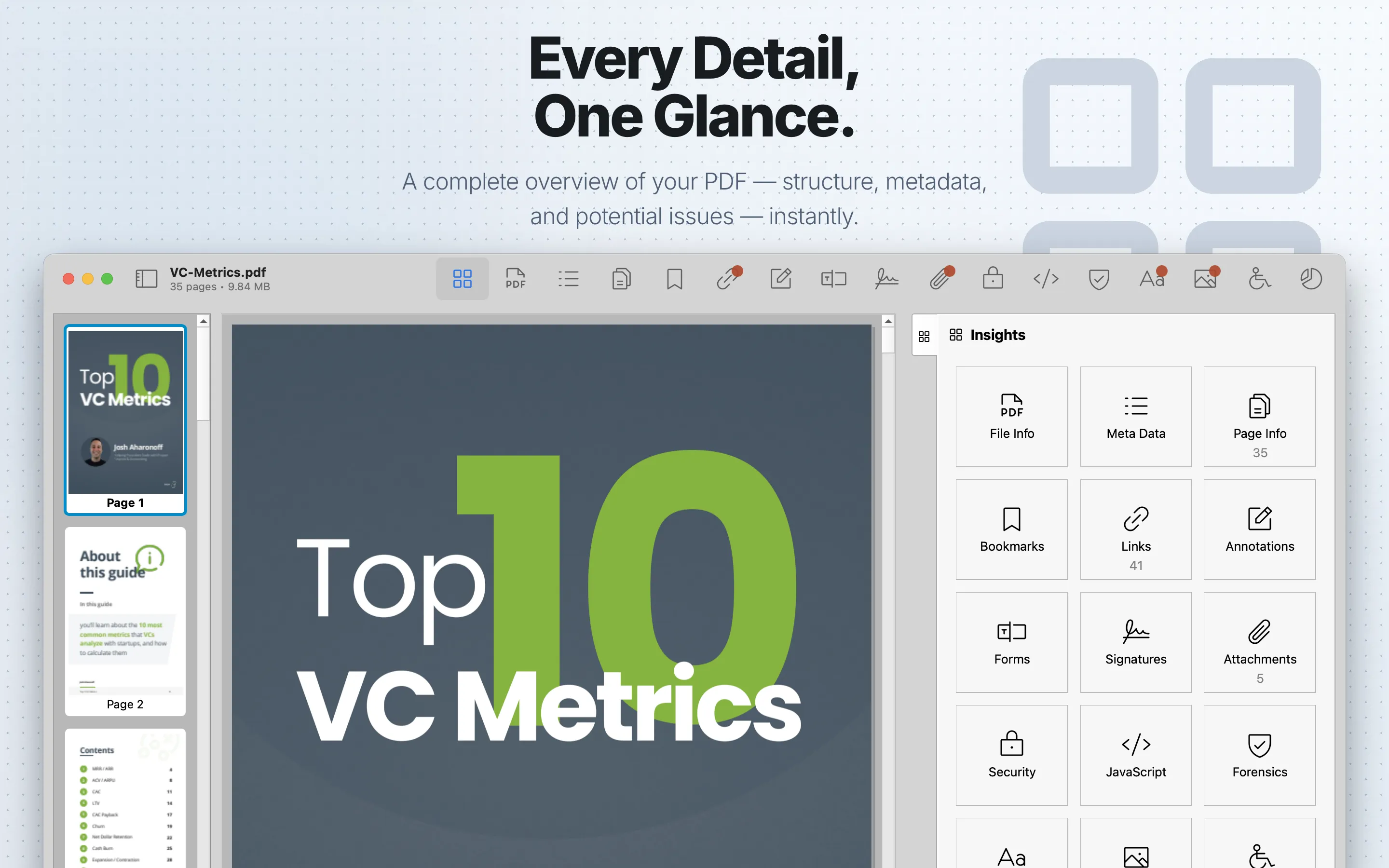
The Insights tab is the inspection starting point. It shows the available PDF Auditor inspectors, document state, and summary counts from tabs that report countable findings or objects.
When to use it
Use Insights when opening a file, choosing a review path, or returning to the broad inspection overview.
Review steps
- Confirm the document opened successfully.
- Choose a tab based on your review goal.
- Return to Insights when you need to reorient before moving into another inspector.
Understand the results
Insights is an orientation surface; detailed findings live in the specialized tabs. Use Insights to choose a review path, then use the relevant tab for details, filtering, highlighting, exports, and tab-specific settings.