
Inspect JavaScript
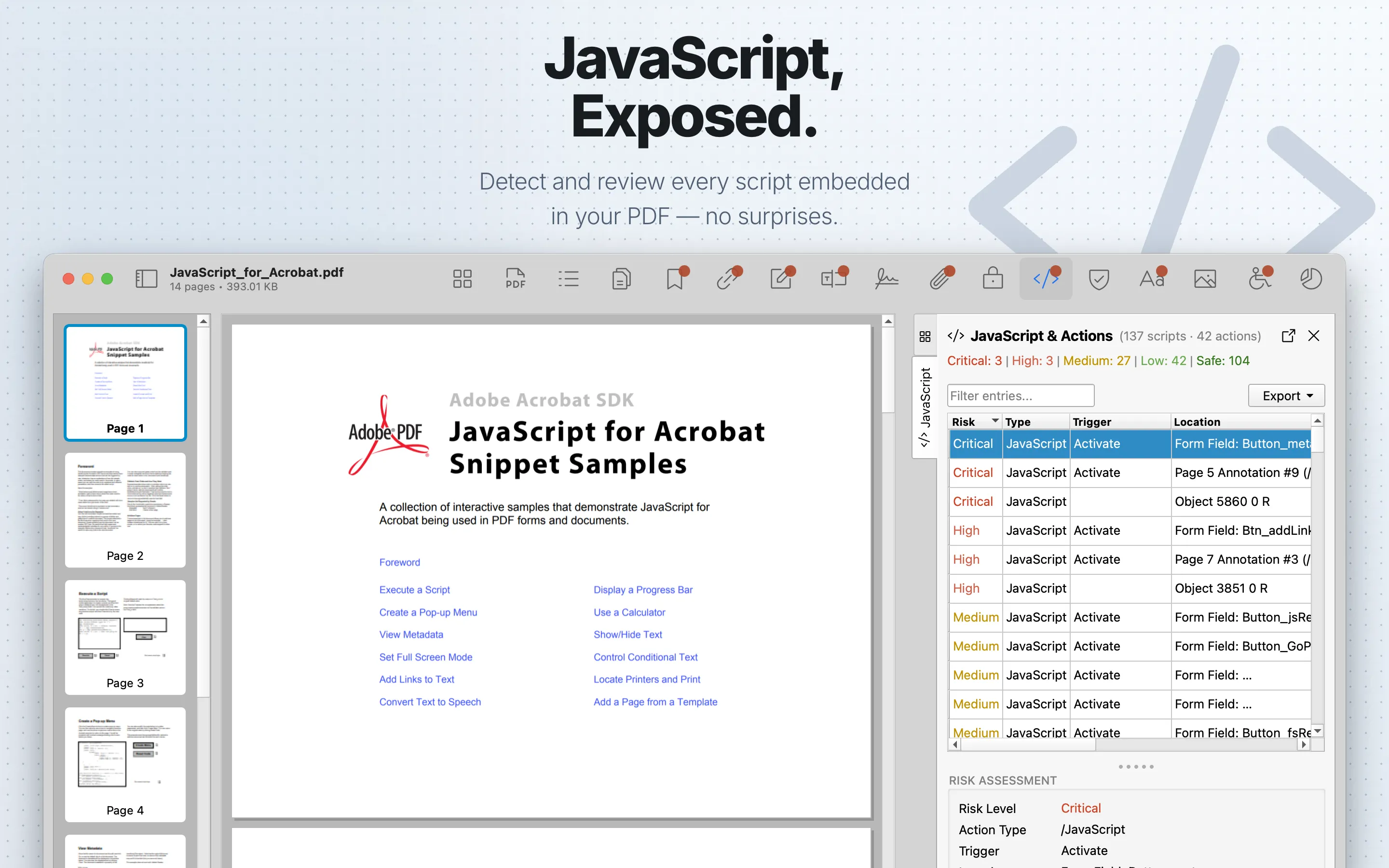
Use JavaScript inspection to locate scripts embedded in document actions, annotations, forms, and related PDF structures.
When to use it
Inspect JavaScript when reviewing untrusted PDFs, interactive forms, workflow automation, or files that behave unexpectedly in PDF viewers.
What to check
- Document-level scripts and open actions.
- Form field actions and annotation actions.
- Code that references external URLs, launches actions, submits forms, or changes viewer behavior.
- Scripts in files that were not expected to be interactive.
Review steps
- Open JavaScript and review each detected script or action location.
- Cross-check related Forms and XFA , Annotations , and Links .
- Treat unexpected JavaScript in untrusted PDFs as a reason for deeper review before opening the file in other viewers.
Limits
PDF Auditor inspects script text and action locations. It does not execute PDF JavaScript.