
Restore Purchases
Use restore purchases when PDF Auditor Pro does not appear active on a Mac where you are signed in with the Apple ID that made the purchase.
Before restoring
Confirm that you are signed in to the correct App Store account and that the Mac can contact Apple’s App Store services.
Restore in PDF Auditor
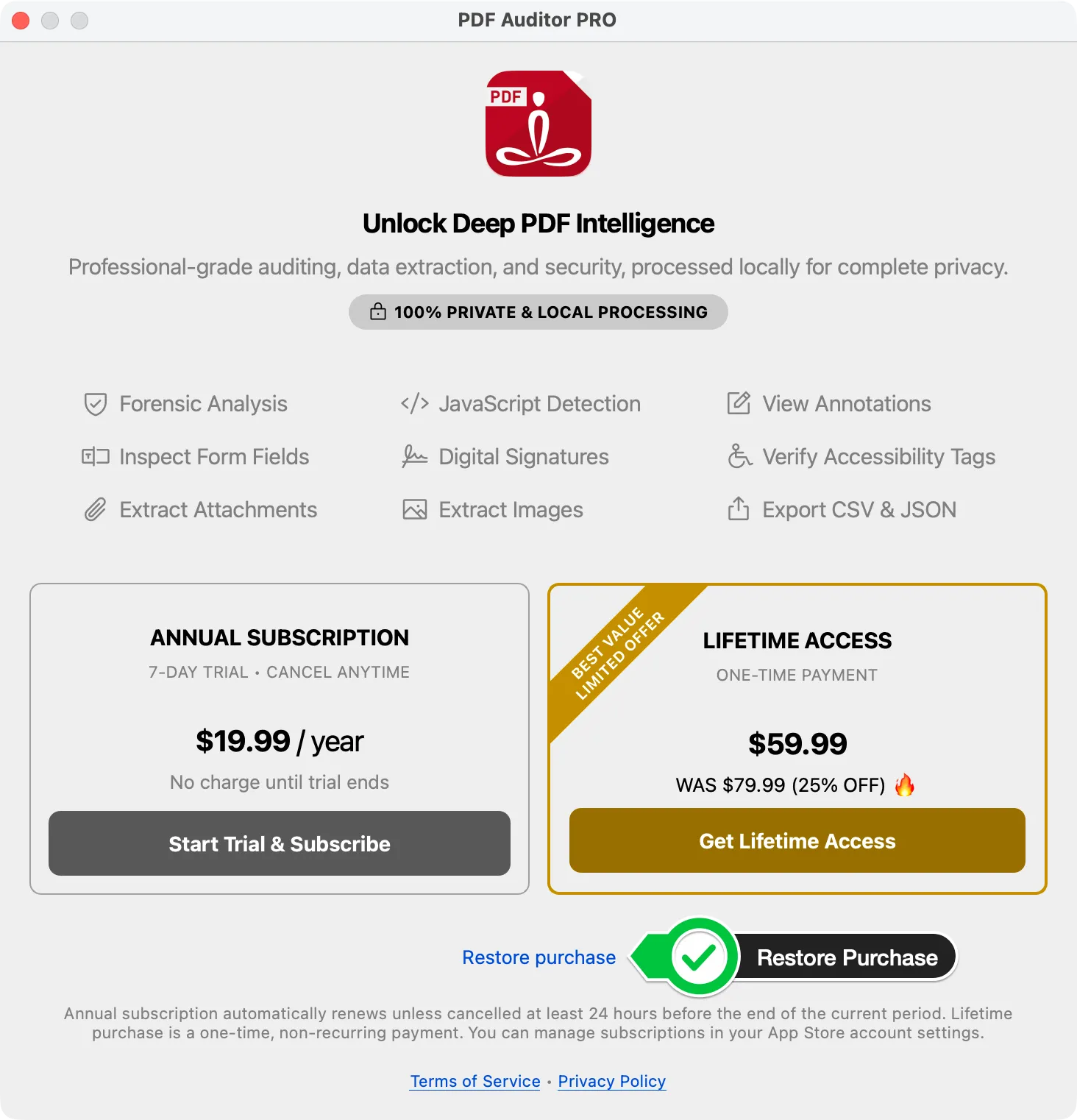
Open the Pro purchase dialog from an Upgrade to Pro prompt or the menu item, then choose Restore purchase . PDF Auditor asks Apple’s App Store systems to restore the active annual subscription or lifetime purchase associated with the signed-in Apple ID.
If restore does not work
Check your App Store purchase history and confirm that the purchase or subscription is associated with the Apple ID currently signed in on the Mac. If the issue continues, contact support with your PDF Auditor version and macOS version. Do not include payment details in support messages.